Turn on Developer mode: Settings → Apps → Advanced settings.
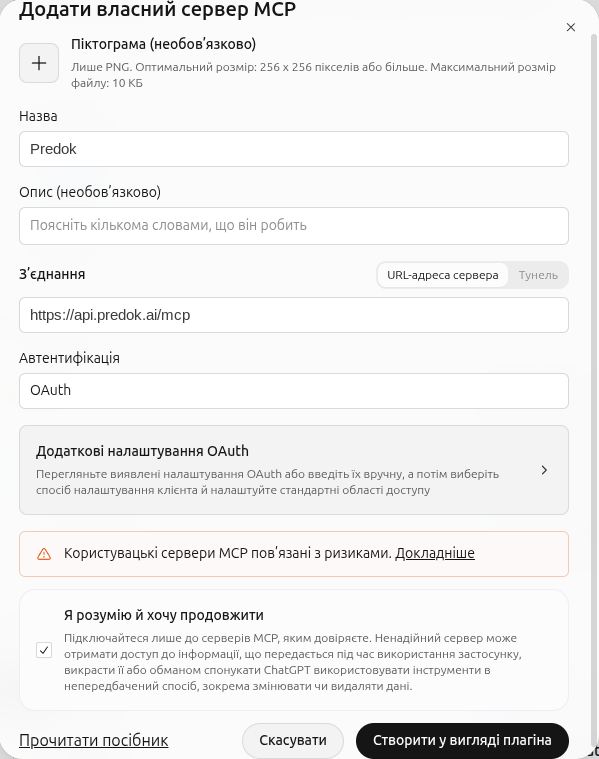
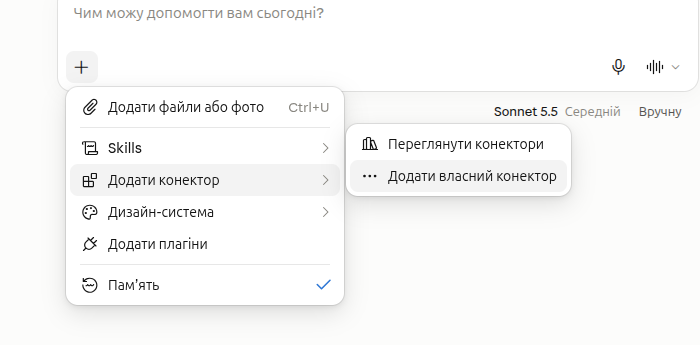
Open Plugins. Press +, then Add custom MCP server.
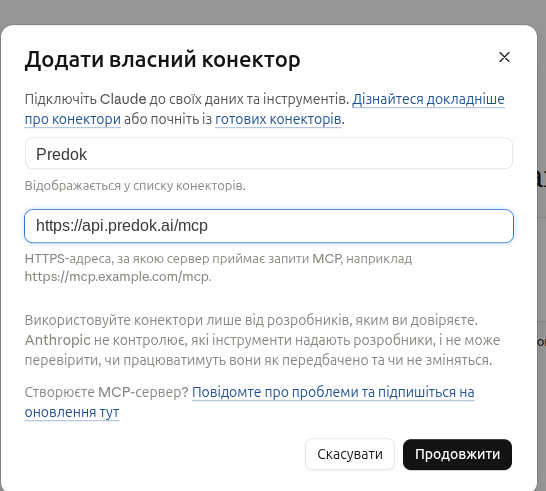
Name Predok, and in Server URL the address https://api.predok.ai/mcp. Authentication: OAuth.
Name, server URL, and OAuth.
Accept the warning (I understand and want to continue) and press Create as a plugin. ChatGPT opens the Predok sign-in page. Sign in with Google and allow it to read Predok.
Install the plugin. In the chat field, type @ and choose Predok.